
The new Jaws website is live at jaws.com.tw
How the new site works: three ways to find a part, asking for a quote, the client area and eight languages.
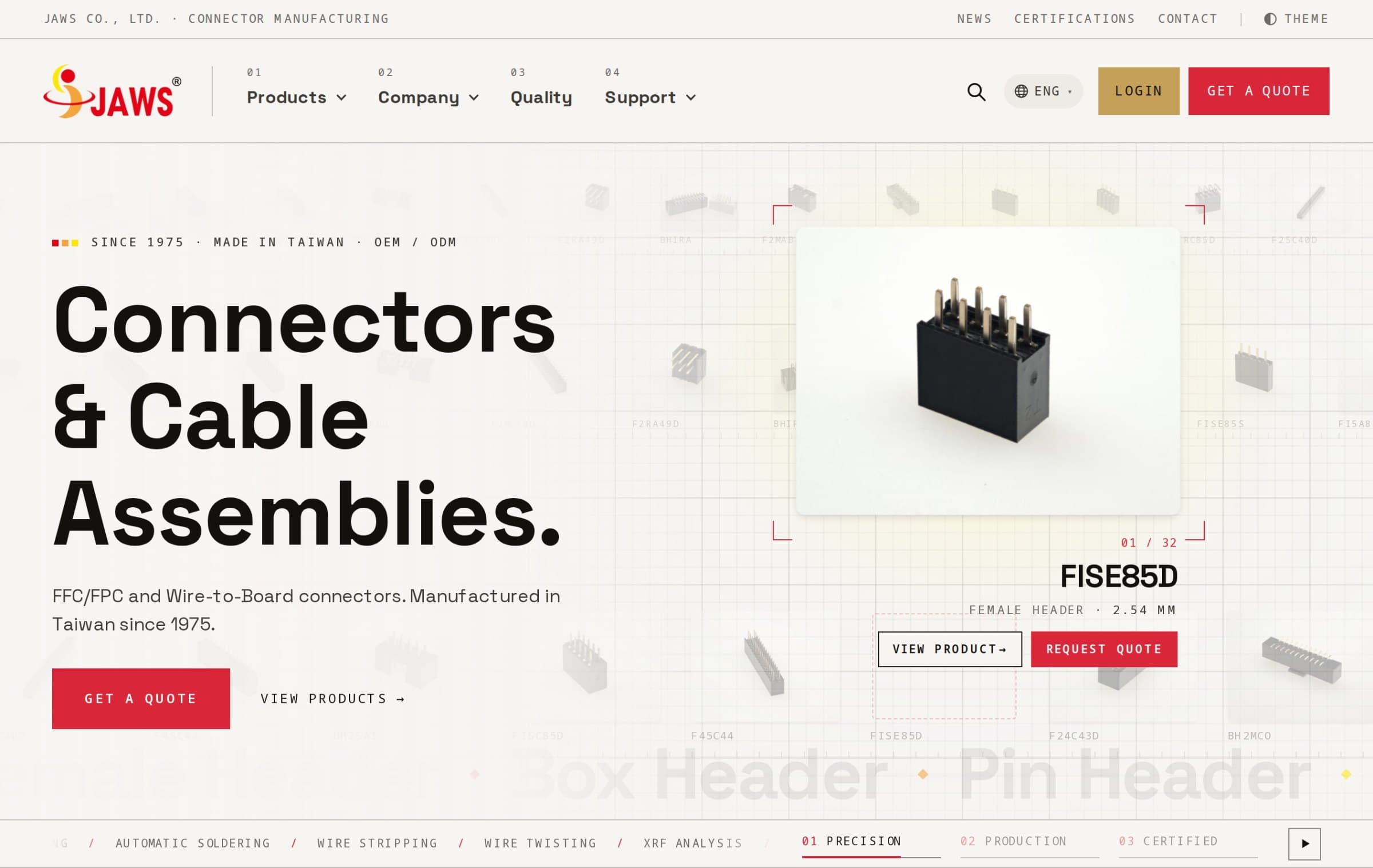
The new site now answers at jaws.com.tw, replacing the old one. Old links and bookmarks still work: they lead to the matching page on the new site, and an old link to a product lands on its product family. The homepage opens with a short film of parts from our catalogue. While a part is in focus, you can open its page or ask for a quote for it.
Three ways to find a part
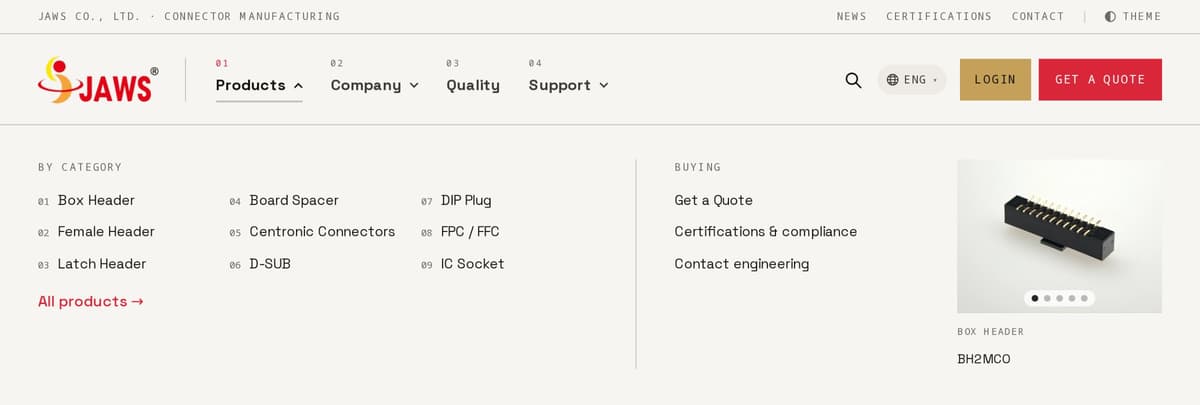
The Products menu in the header opens a panel with nine product families, the featured products and a link to all products.
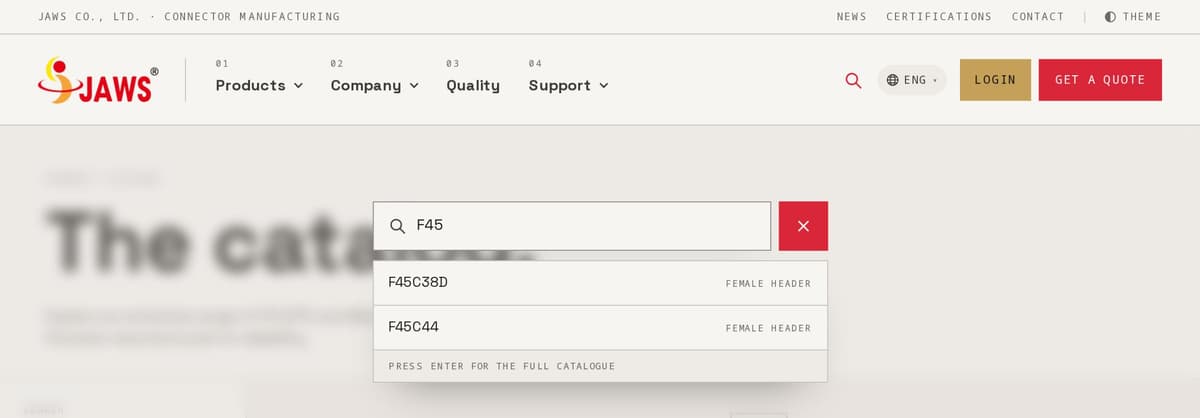
The magnifier in the header opens a search box. Type part of a part number and the matching parts are listed as you type.
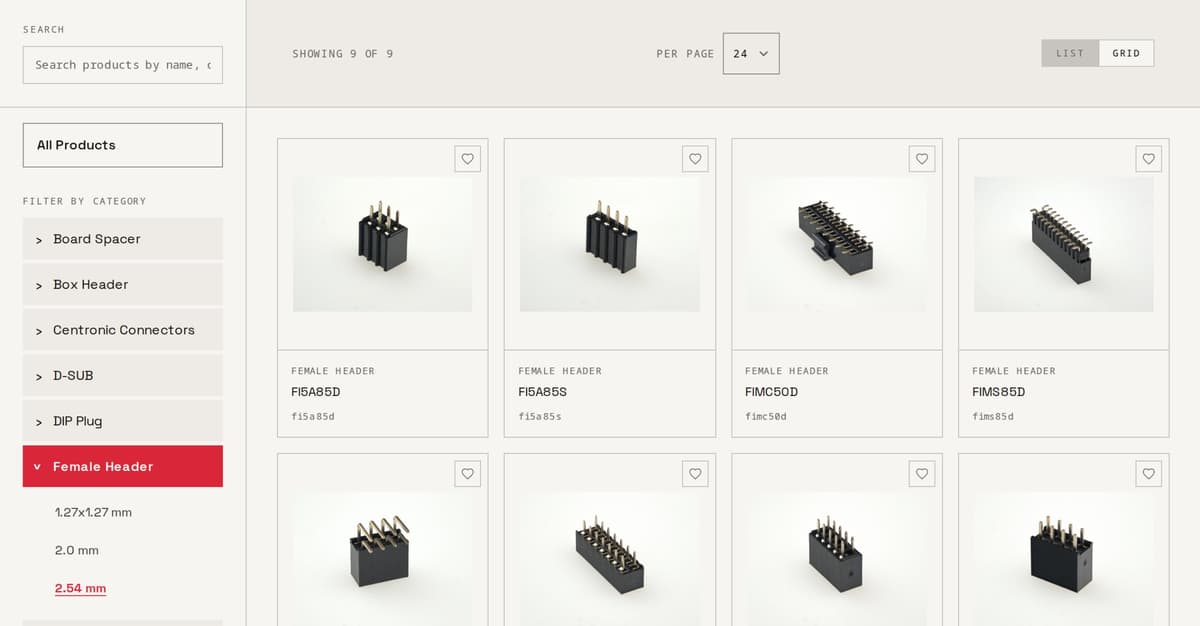
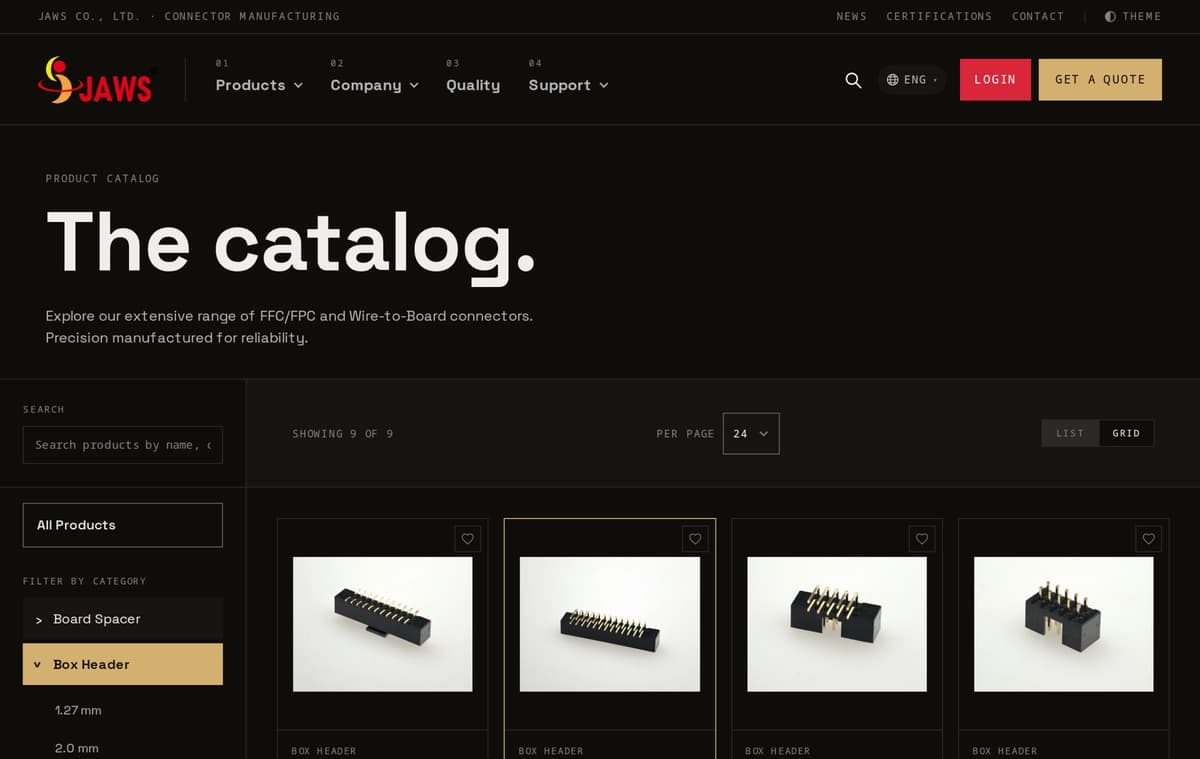
In the catalogue, the rail on the left lists the families. Click a family, then pick a pitch, and the list changes at once.
The product page
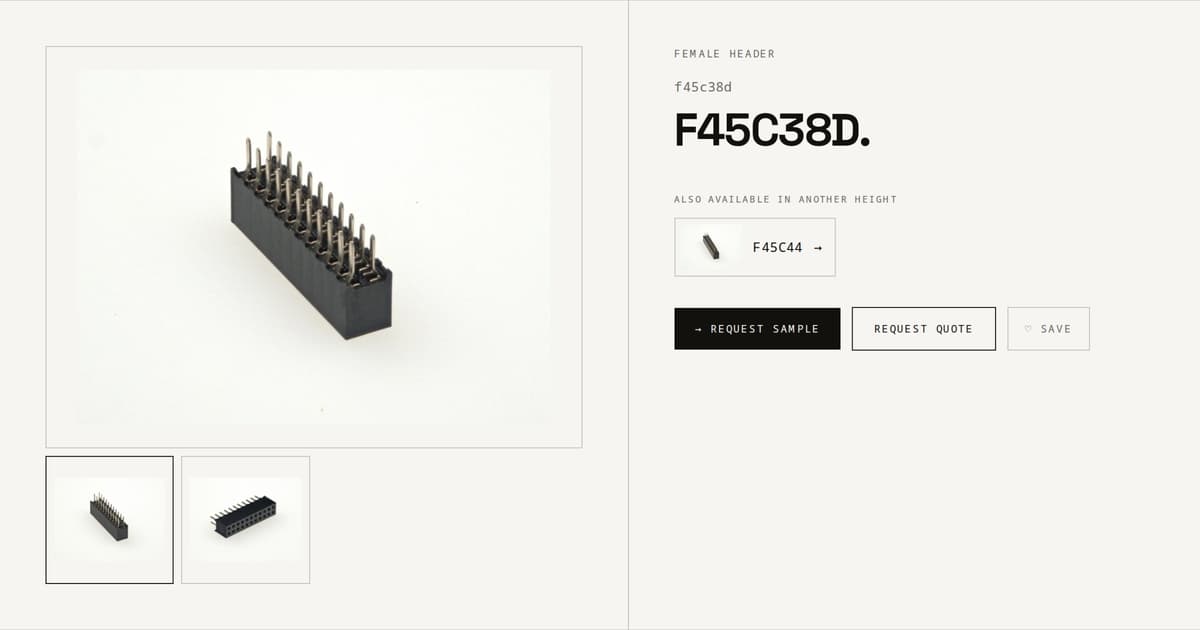
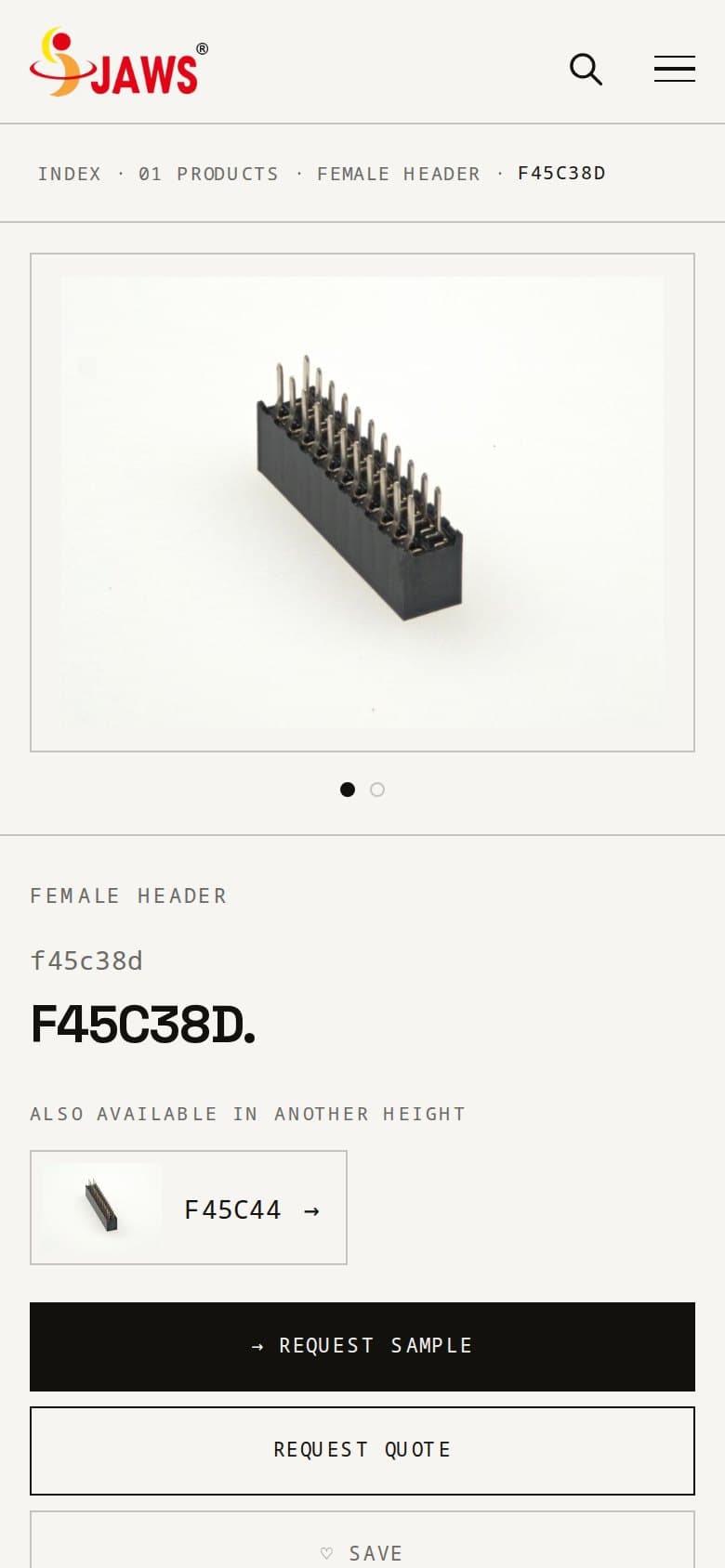
Each part has its own page, with its photos, its family, and a link to the same part in its other height where there is one. Request sample opens the contact form with the part already written in. Request quote opens the quote form with the part already ticked. Save keeps it in your favourites once you are signed in.
Asking for a quote
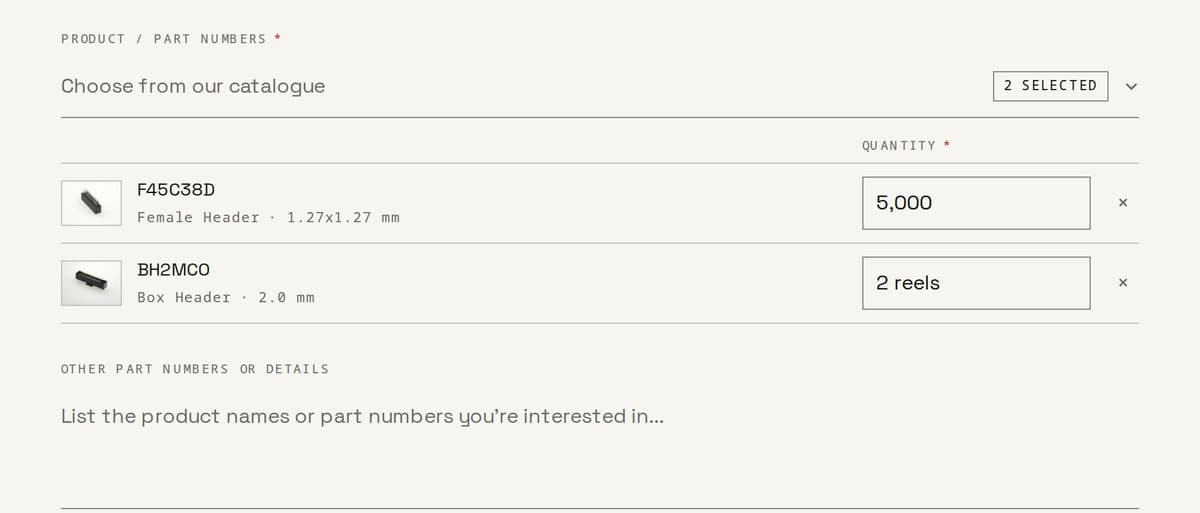
On the quote form, tick the parts you need from a list of the catalogue and give each its own quantity. A box underneath takes anything that is not listed.
Your client area
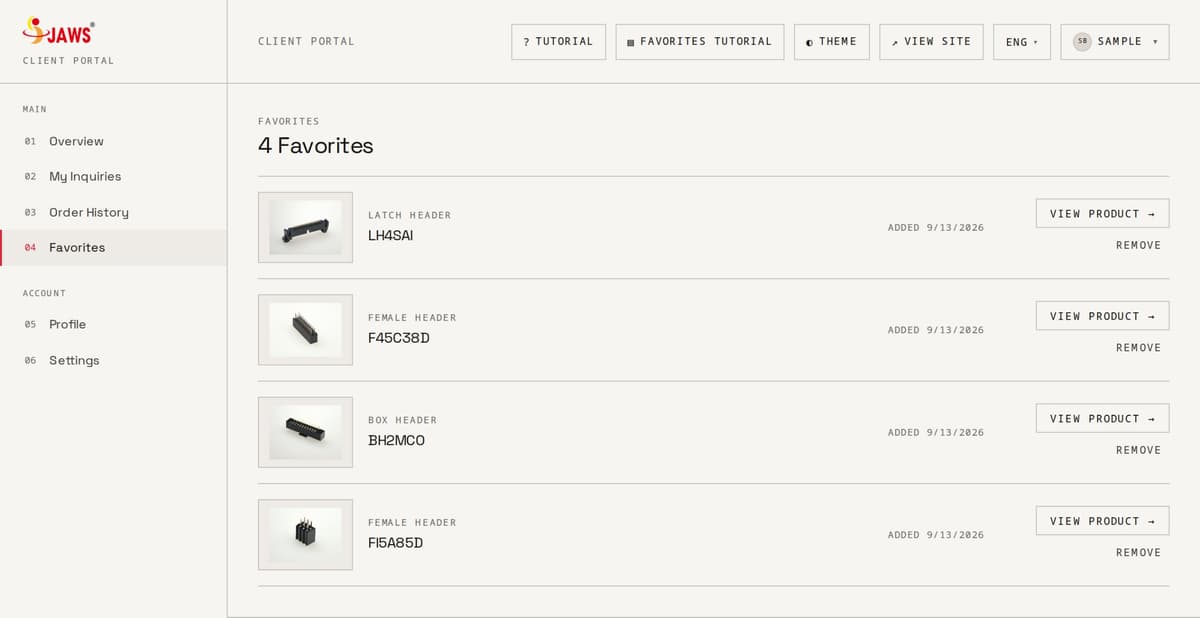
Signing in opens your client area: your favourites, next to My Inquiries, Order History, Profile and Settings. Your favourites also appear at the top of the quote form's list.
Eight languages
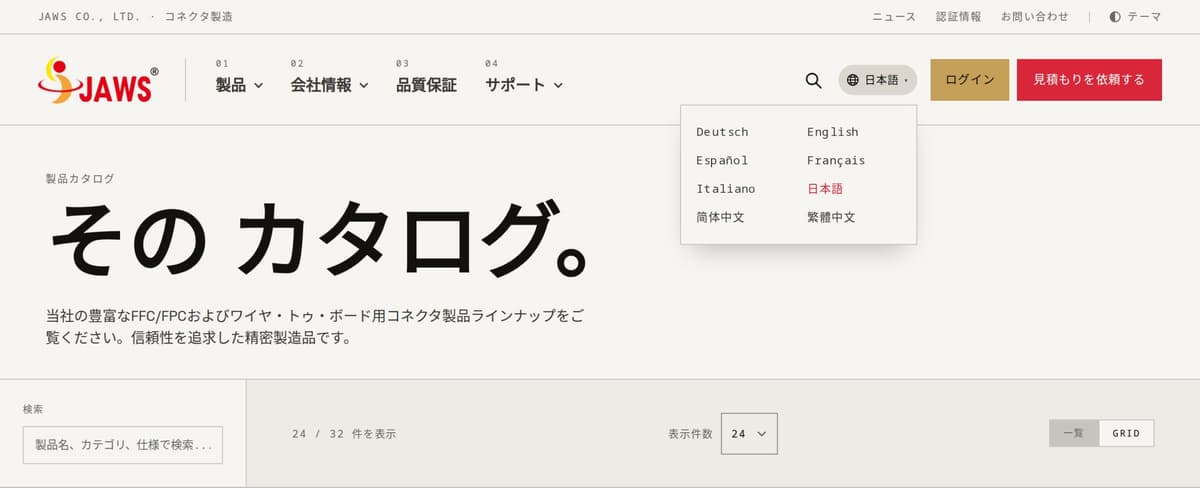
The site is in eight languages, each with its own address: English, 繁體中文, 简体中文, 日本語, Italiano, Français, Español and Deutsch. Product names and families stay in English in every language, so a part number reads the same everywhere.
Certificates and finding us
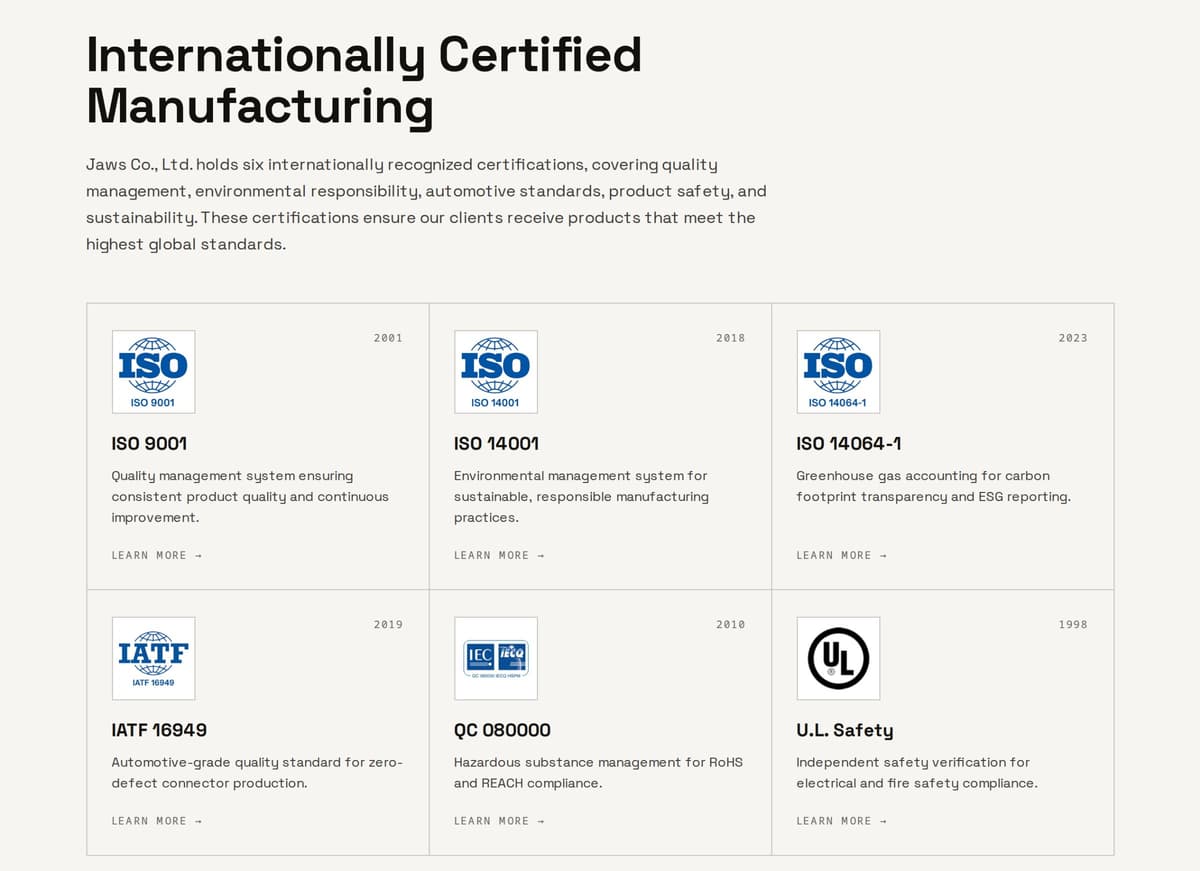
The certifications page lists our six certificates, each with its own page.
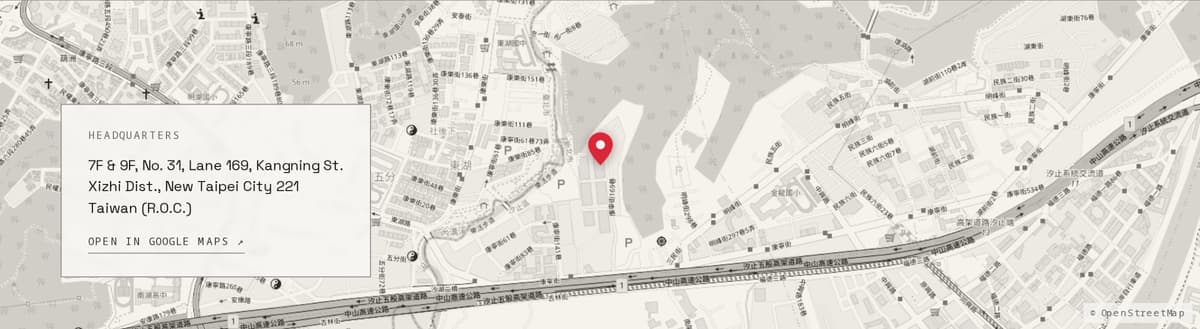
The map on the contact page shows our headquarters and opens our Google Maps listing.
Light, dark and on your phone
A button switches the site between light and dark.
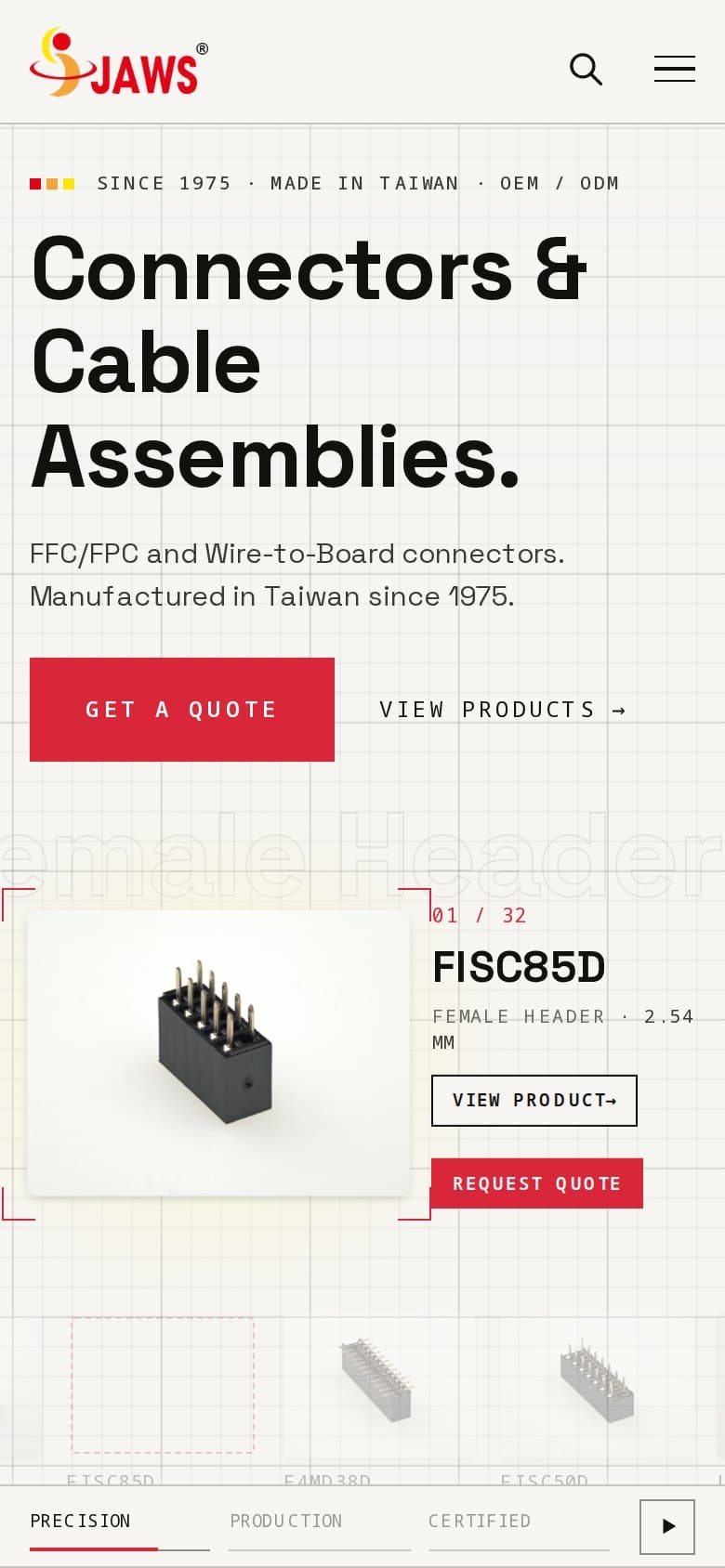
On a phone, the header folds into a menu button and the pages rearrange to fit the screen.
Also new
The catalogue is still growing. Families with no parts yet are being photographed and published in batches; their pages say so and link to the contact page.
A company timeline on the About page
A media kit with logo downloads
A guided tour of the site, which you can start from the footer
To reach us, use the quote form or the contact page.